
Setting up an NFT Profile as an NFT Gallery
NFT Profiles display NFTs from associated on-chain addresses. Each association requires the owner to sign a transaction in order to prove control of the address. The NFT Profile can be customized to display any NFTs from associated addresses.
The following instructions will walk through how to set up an NFT Profile as an NFT gallery.
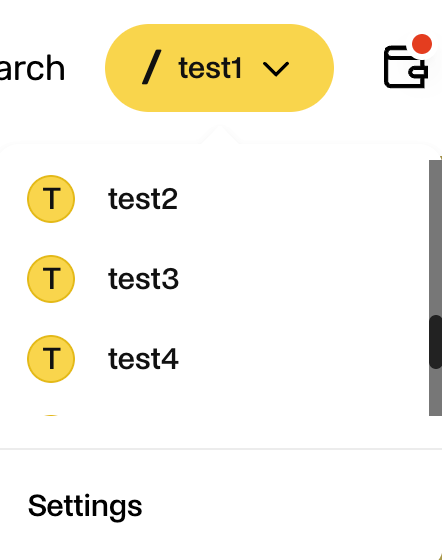
Navigate to Settings via the NFT Profile dropdown (/ your-profile) in the header for the profile you would like to manage. To choose a different NFT Profile, select the desired one in the drop down.
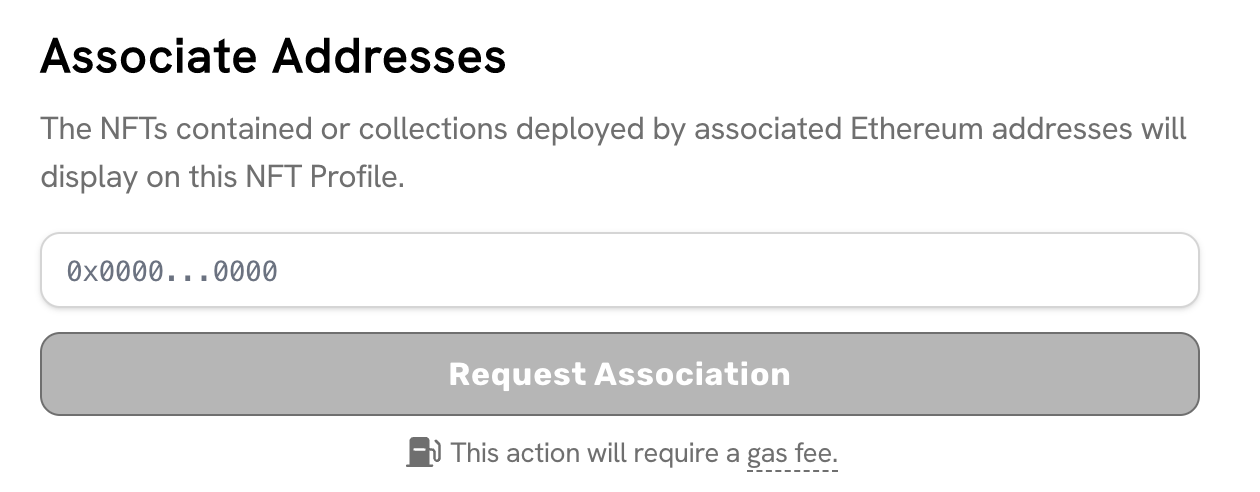
Associate a new address by entering the address in the box under Associate Addresses and click “Request Association”.
Approve the association from the address that has been added. This can be done by logging in with the new address from your third party wallet.
Once you have connected with the new address, navigate to the Settings page from the header.
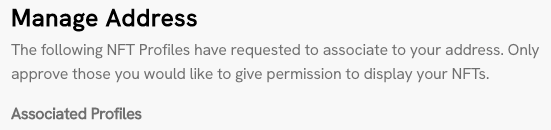
The Manage Address section will display the requested association for confirmation. Confirming the request will have you sign an on-chain transaction to associate your address with the NFT Profile.
The NFT Profile will now be able to display NFTs from the associated addresses.
You can manage all current, requested, and past associations from the Settings page for the NFT Profile.
Last updated